Speech recognition
Instant and accurate recognition run on your computer. Audio is held in memory while it is transcribed and is not uploaded.
 PHORMINX
PRIVACY AND LOCAL OPERATION
Phorminx does its work on your computer. This page lists what it stores there and every connection it makes, including the ones that happen by default.
Instant and accurate recognition run on your computer. Audio is held in memory while it is transcribed and is not uploaded.
Settings, dictation history, and saved meetings live under %LOCALAPPDATA%\Phorminx. Retention controls in the app decide how long they stay.
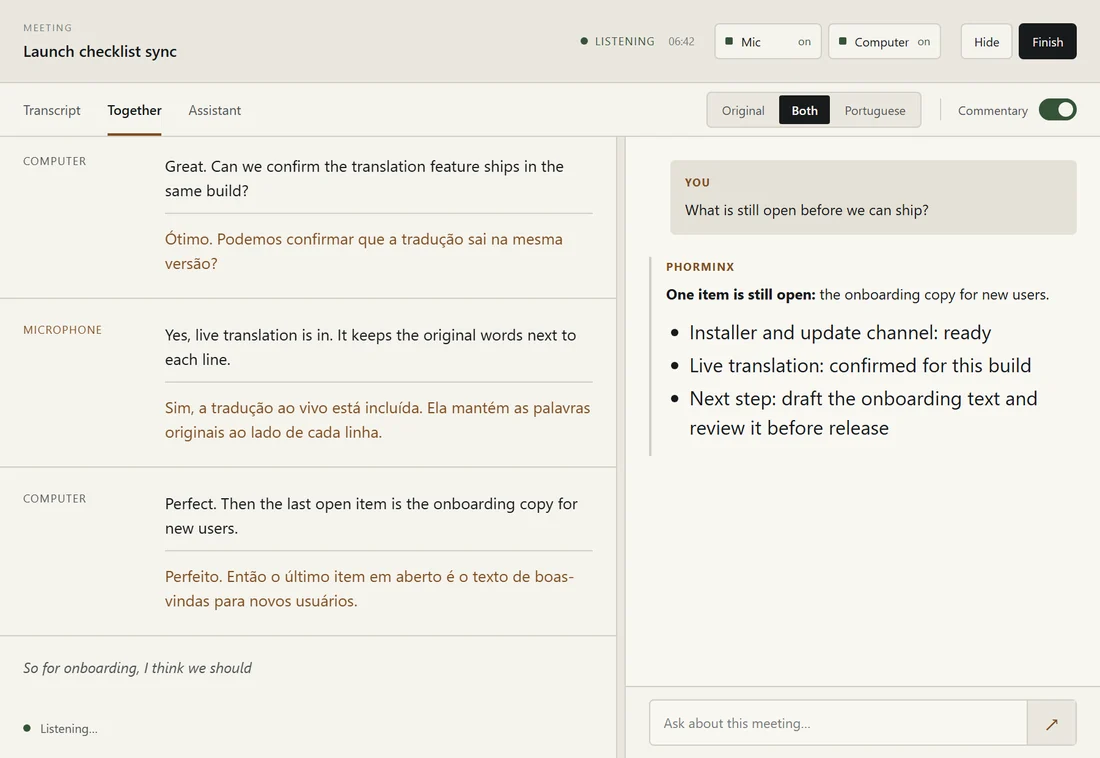
Formatting, live translation, the meeting assistant, and semantic search use local language models running on the same computer when you choose local models.
If you set up a remote assistant provider or an HTTP action, the selected text and context go to the destination you configured, and only there.
NETWORK ACTIVITY
Once a day Phorminx downloads a small signed file from GitHub Releases to see whether a newer version exists. With automatic updates on, it then downloads the installer from GitHub. No recordings, text, or settings are sent; GitHub sees an ordinary web request. Turn this off in Settings → Updates.
The text you reviewed, plus the app version and recognition mode if you tick the diagnostics box, is sent to phorminx.net. No audio, logs, or account details are attached and no IP address is stored with it. Feedback is deleted automatically after one year.
Speech and local language models are downloaded from their published sources during setup and repair.
Assistant prompts include the context shown by the application and travel to the provider selected in Settings.
Saved actions send their configured request to the address displayed in the action definition.
phorminx.net shows star and download counts that its own server fetches from GitHub, so your browser only talks to phorminx.net. The site uses no cookies or analytics; your theme choice is stored only in your browser.
RETENTION
Turning off dictation history changes future dictation retention. Saved meeting sessions remain available until they are removed through their own controls.
Review the source and documentationReview the destination before enabling a remote provider or HTTP action.
Download for Windows